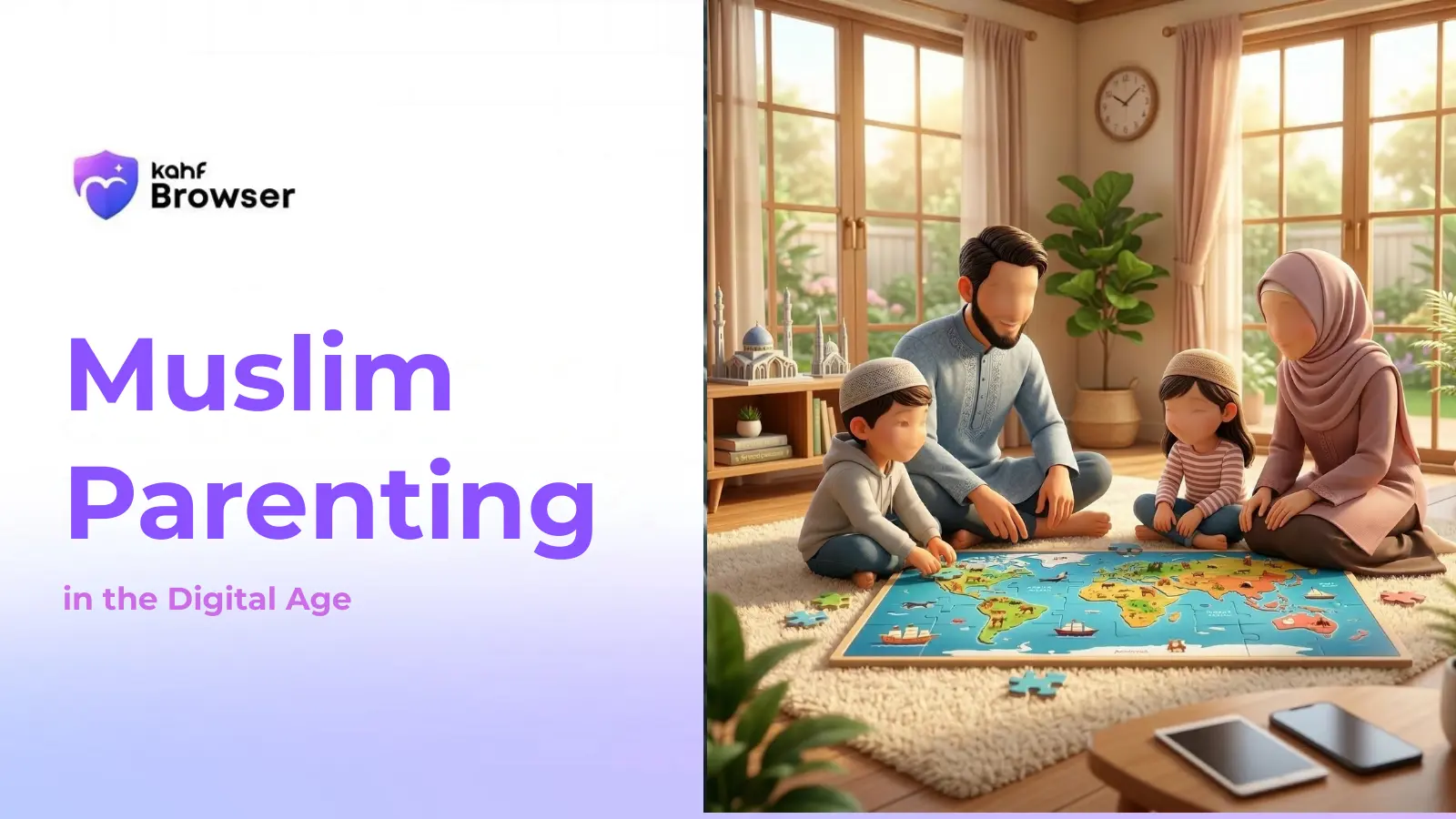





Islamic Perspective on Screen Time
The Prophet Muhammad (peace be upon him) emphasized balance and moderation in all aspects of life. He said: "The best of you are those who are best to their families." This includes protecting children's time, health, and spiritual development.
Islam teaches that our bodies are a trust from Allah, and we are responsible for their care. This principle, known as "Amanah," extends to protecting children from excessive screen time that harms their physical and mental health.
Moderation (Wasatiyyah)
Islam emphasizes the middle path. Neither complete avoidance of technology nor unlimited access is balanced. Healthy screen time fits within a well-rounded lifestyle.
Responsibility (Amanah)
Children are a trust from Allah. Parents must use technology wisely to protect children's physical health, mental well-being, and spiritual development.
Time Management (Tawakkul)
Islamic teaching emphasizes making the best use of time. Every moment is precious and should be invested in activities that benefit this life and the hereafter.
Mindfulness (Taqwa)
Consciousness of Allah should guide our choices, including technology use. Screen time should not distract from prayers, family, or personal development.
Recommended Screen Time Guidelines by Age
Under 2 Years
Avoid screen time
Infants and toddlers learn through interaction and play. Screen time at this age can interfere with language development and parent-child bonding.
Practical Tips:
- •Focus on face-to-face interaction
- •Encourage physical play and exploration
- •Limit screens during family time
2-5 Years
1 hour per day maximum
Young children need active play, social interaction, and creative activities for healthy development. High-quality educational content can supplement but not replace hands-on learning.
Practical Tips:
- •Choose educational, age-appropriate content
- •Watch together and discuss what you see
- •Maintain screen-free meals and bedtime routines
6-12 Years
1-2 hours per day
School-age children can benefit from educational content and moderate recreational use. However, physical activity, reading, and face-to-face social interaction remain crucial.
Practical Tips:
- •Balance screen time with outdoor play
- •Encourage reading and creative activities
- •Monitor content for age-appropriateness
- •Use parental controls
13+ Years
2-3 hours per day maximum
Teenagers need more autonomy, but excessive screen time is linked to sleep problems, anxiety, and reduced academic performance. Guidance remains important.
Practical Tips:
- •Establish device-free zones (bedrooms)
- •No screens 1 hour before bed
- •Encourage offline hobbies and sports
- •Maintain open dialogue about online experiences
Effects of Excessive Screen Time
Eye Strain & Vision Problems
Extended screen time causes eye fatigue, dry eyes, and may contribute to myopia (nearsightedness) in children. The 20-20-20 rule helps.
Cognitive Development
Excessive screen time is linked to reduced attention span, lower reading comprehension, and delayed language development.
Physical Health
Sedentary screen time contributes to obesity, poor posture, and reduced physical fitness. Children need at least 60 minutes of daily activity.
Sleep Disruption
Blue light from screens suppresses melatonin production, making it harder to fall asleep. Sleep deprivation affects academic performance and mood.
Mental Health
Excessive social media use is linked to anxiety, depression, and low self-esteem in children. Comparison with peers can harm emotional well-being.
Social Skills
Screen time reduces face-to-face interaction, which is essential for developing social skills, empathy, and emotional intelligence.
Building Healthy Screen Time Habits
Establish Device-Free Zones
Create screen-free areas in your home: bedrooms, dining areas, and prayer spaces. These zones encourage face-to-face interaction and better sleep.
Set Device-Free Times
Designate screen-free hours: during meals, before bed (at least 1 hour), during homework, and during prayer times. This protects sleep quality.
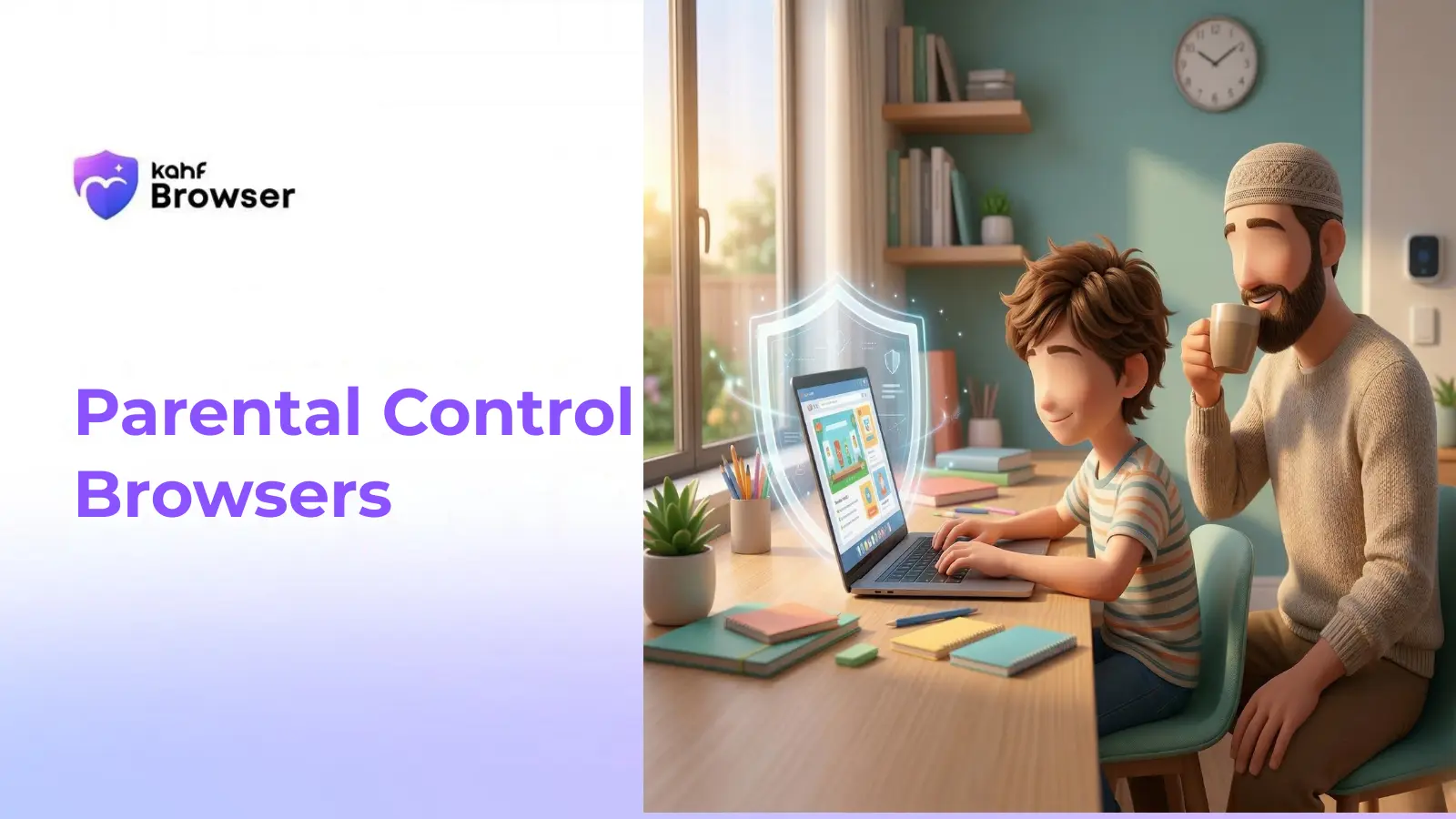
Use Parental Controls
Implement tools like Kahf Browser that automatically filter harmful content and enforce time limits. Technology can support healthy habits when used wisely.
Encourage Outdoor Activities
Plan regular outdoor activities: sports, nature walks, community events. Physical activity improves health, mood, and provides natural breaks from screens.
Promote Reading & Creative Activities
Encourage reading, drawing, music, and other creative pursuits. These activities develop imagination, focus, and provide fulfilling alternatives to screen time.
Model Healthy Behavior
Children learn by example. Demonstrate healthy screen habits yourself. Put your phone away during family time and show that screens are tools.
Use Quality Content
When screens are used, prioritize educational, age-appropriate content. Watch together and discuss what you see. This maximizes benefits.
Maintain Open Communication
Talk with your children about their online experiences. Ask what they're watching, who they're talking to, and how they feel. This builds trust.
Explore Related Topics
Muslim Parenting in the Digital Age
Comprehensive Islamic guidance for raising digitally-aware children.
Learn MoreBest Browser for Kids in 2026
Guide to choosing the safest browser for your family.
Learn MoreParental Control Browsers: Features Comparison
Detailed comparison of parental control features.
Learn MoreFamily Internet Filter Solutions
Advanced filtering solutions for family protection.
Learn MoreFrequently Asked Questions
Help Your Child Develop Healthy Screen Habits
Use Kahf Browser to enforce healthy screen time limits while protecting your child from harmful content.
Download Kahf Browser