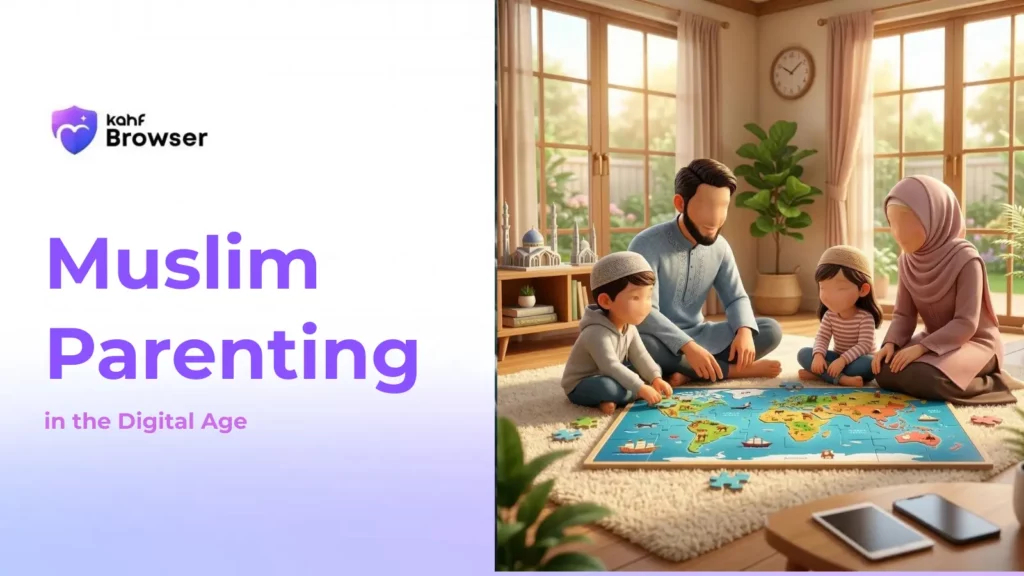




Islamic Principles for Digital Parenting
The Prophet Muhammad (peace be upon him) said: "The best of you are those who are best to their families, and I am the best among you to my family." (Tirmidhi) This principle extends to guiding our children through the digital landscape with wisdom and compassion.
Amanah (Trust)
Children are a trust from Allah. Parents are responsible for their spiritual, moral, and digital development. This responsibility requires intentional guidance and protection.
Ilm (Knowledge)
Seek knowledge about technology and digital platforms. Understanding what your children encounter online enables better guidance and protection.
Tarbiyah (Education)
Digital literacy and Islamic values must be taught together. Children need both technical skills and moral frameworks to navigate the internet safely.
Adab (Etiquette)
Islamic etiquette applies online as well as offline. Teach children to treat others with respect, avoid backbiting, and maintain modesty in digital spaces.
Hifz (Protection)
Just as we protect children from physical harm, we must protect them from digital harms. This includes filtering content and monitoring activities with wisdom.
Hikma (Wisdom)
Balance protection with freedom. Excessive restrictions breed resentment, while no guidance leads to harm. Wisdom lies in finding the middle path.
Practical Strategies for Digital Parenting
Model Good Digital Behavior
Children learn by example. Demonstrate healthy screen time habits, respectful online communication, and mindful technology use. If you're constantly on your phone, your children will follow suit.
Create Device-Free Zones and Times
Establish family times without screens—during meals, before bed, and during prayer times. These moments strengthen family bonds and allow for meaningful conversations about digital experiences.
Teach Islamic Digital Ethics
Discuss how Islamic principles apply online: avoiding backbiting in comments, maintaining modesty in photos, not spreading misinformation, and treating online interactions with the same respect as face-to-face conversations.
Use Technology as a Tool, Not a Babysitter
Devices should support learning and connection, not replace parental involvement. Engage with your children about what they're watching or learning online. Ask questions and show genuine interest.
Implement Gradual Independence
Start with supervised browsing, progress to limited independence with monitoring, and eventually allow more freedom as children demonstrate responsibility. This gradual approach builds digital literacy and trustworthiness.
Build Open Communication
Create an environment where children feel comfortable discussing online experiences, concerns, and mistakes without fear of punishment. This openness enables early intervention when problems arise.
Use Filtering and Parental Controls
Technology like Kahf Browser provides the first line of defense by filtering harmful content automatically. This protects children while you build their digital literacy and judgment.
Teach Critical Thinking
Help children evaluate online information, recognize misinformation, and understand how algorithms work. These skills are essential for navigating the digital world with wisdom and discernment.
Age-Based Digital Guidance
Ages 5-8: Foundation Building
Introduce technology with heavy parental supervision. Focus on educational content and building awareness of online safety. Teach basic concepts like "not everyone online is who they say they are" and "some content is not appropriate for you."
Ages 9-12: Expanding Horizons
Allow more independent browsing with active monitoring. Discuss Islamic values in digital contexts. Teach about privacy, passwords, and not sharing personal information. Introduce the concept of digital footprints and reputation.
Ages 13-15: Building Responsibility
Gradually increase independence while maintaining oversight. Discuss social media responsibly, cyberbullying, and peer pressure online. Teach about the permanence of digital content and its potential consequences.
Ages 16+: Preparing for Adulthood
Shift from control to guidance. Discuss digital citizenship, online ethics, and protecting personal information. Prepare them for responsible technology use in higher education and careers. Maintain open dialogue about online challenges.
Addressing Common Digital Challenges
Excessive Screen Time
Set clear limits, use timer reminders, and create device-free zones. Offer alternative activities like sports, reading, or creative hobbies. Involve children in setting reasonable limits so they feel ownership.
Inappropriate Content Exposure
Use filtering tools like Kahf Browser that automatically block harmful content. Maintain open communication so children feel comfortable reporting what they've seen. Respond with education, not punishment.
Social Media Pressure
Discuss how social media creates unrealistic expectations. Teach about comparing reality to curated online personas. Encourage critical thinking about influencers and sponsored content.
Cyberbullying
Create an environment where children report bullying without fear. Document incidents and involve school authorities if needed. Teach empathy and the impact of online words.
Gaming Addiction
Set gaming time limits and establish device-free hours. Understand what games your children play and why they're engaging. Discuss healthy gaming habits and the importance of balance.
Privacy Concerns
Teach about personal information protection. Discuss what should never be shared online (address, phone number, passwords). Monitor privacy settings on social media accounts.
Related Resources
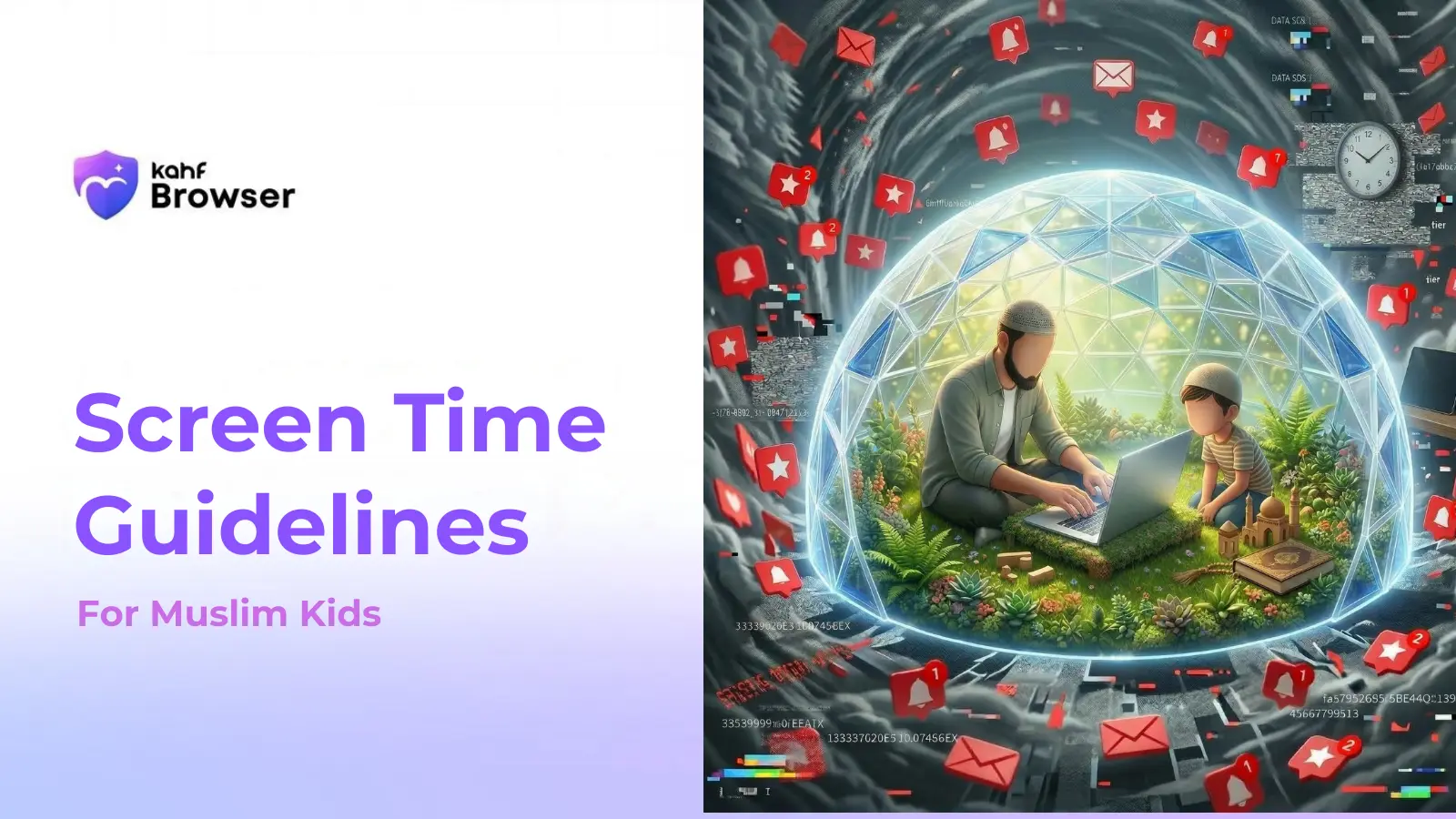
Screen Time Guidelines for Muslim Kids
Islamic recommendations and healthy screen time practices for children.
Read MoreBest Browser for Kids in 2026
Comprehensive guide to choosing the safest browser for your family.
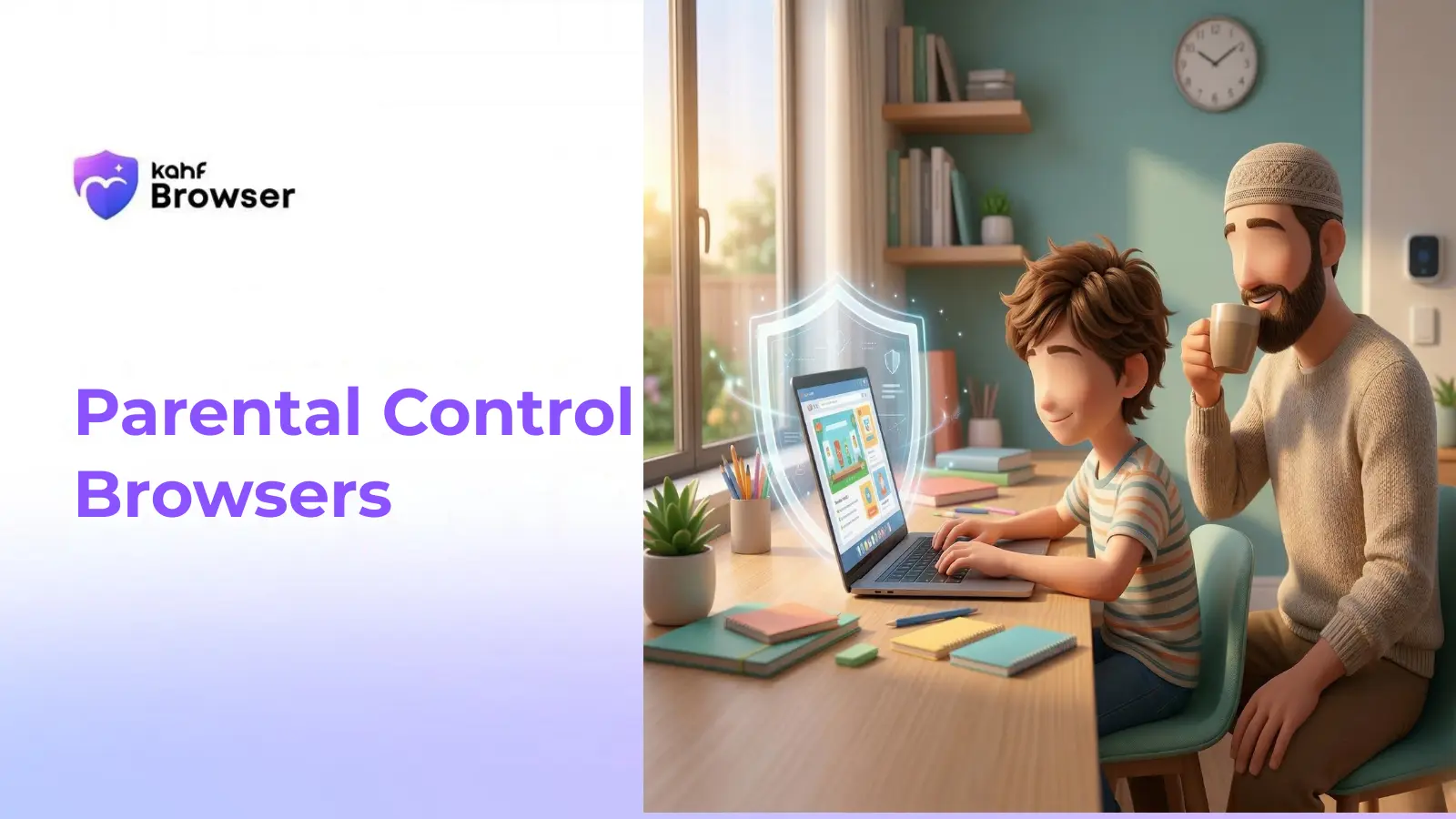
Read MoreParental Control Browsers
Detailed comparison of parental control features across leading browsers.
Read MoreFamily Internet Filter Solutions
Advanced filtering solutions for comprehensive family protection.
Read MoreFrequently Asked Questions
Start Your Family's Digital Journey Today
Use Kahf Browser to combine Islamic values with advanced technology protection for your family.
Download Kahf Browser