



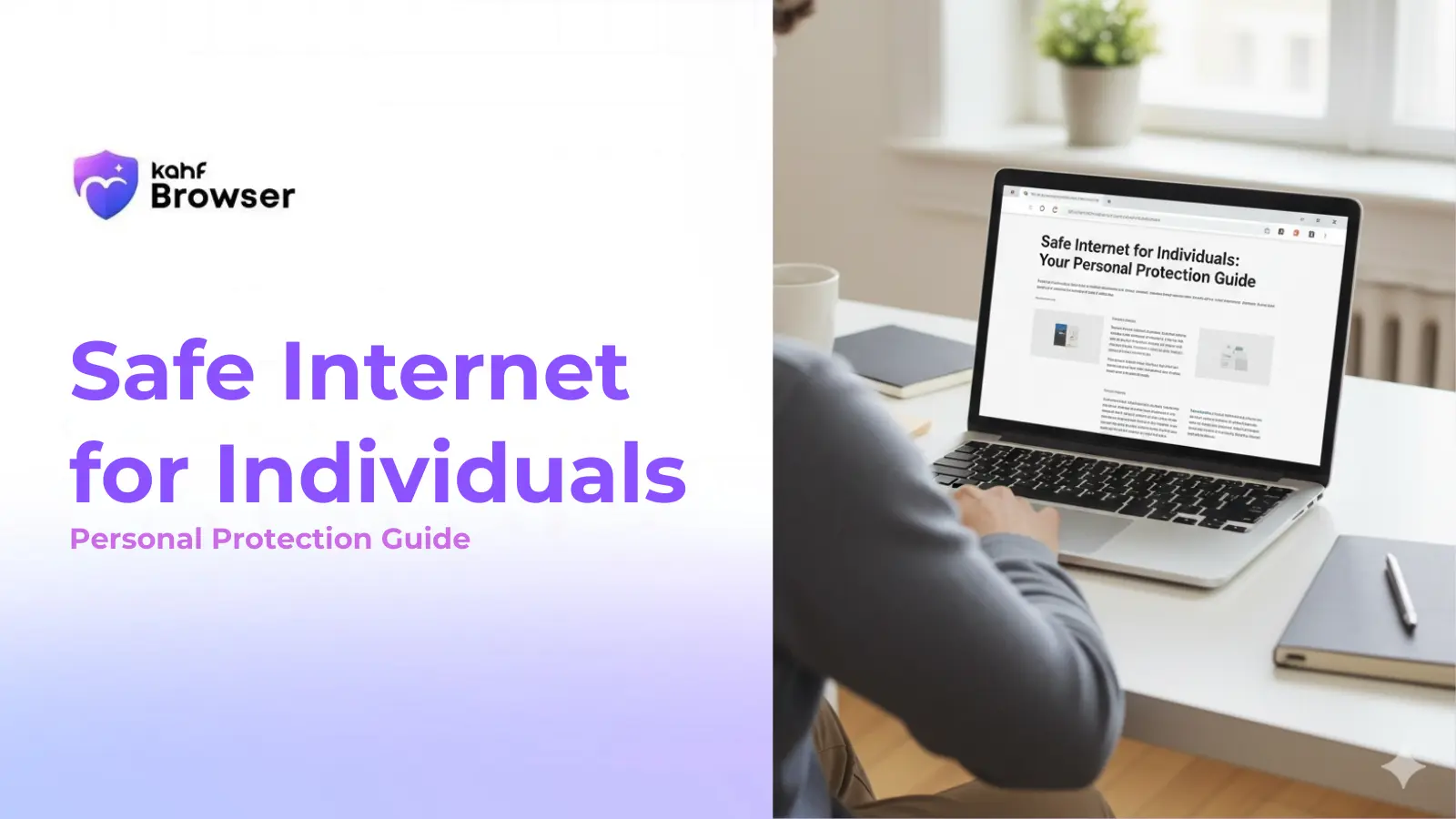
Individual internet safety combines personal practices with the right tools. By implementing these strategies, you can significantly reduce your exposure to online risks while maintaining the benefits of internet access. As covered in our complete safe internet guide, protection starts with awareness and the right choices.
Use a Privacy-First Browser
Choose a browser designed with privacy and safety in mind, not one that profits from tracking your data.
Enable Content Filtering
Use intelligent filtering to avoid accidental exposure to harmful content while maintaining access to legitimate information.
Manage Your Passwords
Use strong, unique passwords for each account and consider using a password manager for secure storage.
Be Cautious with Personal Information
Think carefully before sharing personal details online. Limit what you reveal on social media and to unfamiliar websites.
Verify Before Clicking
Check sender information carefully, hover over links to see their actual destination, and be suspicious of urgent requests.
Keep Software Updated
Regularly update your browser, operating system, and applications to patch security vulnerabilities.
Choosing the Right Browser
Your browser is your primary tool for internet access. Choosing one designed for safety and privacy makes a significant difference. Look for browsers that:
- Don't track your browsing behavior
- Include intelligent content filtering
- Protect against phishing and malware
- Respect your personal data
- Provide clear privacy controls
Kahf Browser combines all these features with additional protections specifically designed for safe internet use. Learn more about Kahf Browser's privacy features.
Password Security
Weak passwords are one of the most common security vulnerabilities. A strong password should be:
- At least 12 characters long
- Include uppercase and lowercase letters, numbers, and symbols
- Unique for each account
- Not based on personal information
- Changed regularly for sensitive accounts
Using a password manager makes this easier. Password managers generate strong passwords, store them securely, and automatically fill them in when you need them. This approach is more secure than trying to remember multiple passwords.
Recognizing and Avoiding Phishing
Phishing attacks use social engineering to trick you into revealing sensitive information. Common phishing tactics include:
- Urgent language claiming account problems or security issues
- Requests to verify or update account information
- Offers that seem too good to be true
- Links to fake login pages that look like legitimate sites
- Attachments that contain malware
To protect yourself: verify sender email addresses carefully, hover over links to see their actual destination, contact organizations directly if you're unsure about a request, and never provide passwords or financial information via email or unsolicited messages. Understanding these internet risks is crucial for staying safe.
Managing Your Digital Footprint
Your digital footprint is the information about you available online. This includes social media profiles, public records, and data collected by websites and advertisers. Managing your digital footprint involves:
- Limiting personal information on social media
- Reviewing privacy settings on all accounts
- Being cautious about what you share publicly
- Using privacy-first browsers to prevent tracking
- Regularly searching for your name to see what's publicly available
Safe Shopping and Financial Transactions
Online shopping and banking require extra caution. When making financial transactions:
- Only shop on secure websites (look for https:// and a padlock icon)
- Verify you're on the correct website before entering financial information
- Use credit cards rather than debit cards for online purchases (they offer better fraud protection)
- Avoid shopping on public WiFi networks
- Check your bank and credit card statements regularly for unauthorized charges
Avoiding Harmful Content
While you can't completely avoid all inappropriate content, you can significantly reduce your exposure. Intelligent content filtering helps by identifying and blocking harmful material before you encounter it. This is particularly important if you want to avoid accidental exposure.
Additionally, be mindful of the websites you visit and the links you click. Avoid clicking on suspicious links, and use your browser's safety features to warn you about dangerous sites.
Staying Informed
Internet threats evolve constantly. Staying informed about new risks and best practices helps you adapt your security approach. Follow reputable sources for cybersecurity news, keep your software updated, and educate yourself about emerging threats.
Building Your Personal Safety Routine
Internet safety isn't a one-time setup—it's an ongoing practice. Develop a routine that includes:
- Regularly updating your browser and operating system
- Reviewing privacy settings on your accounts quarterly
- Monitoring your financial statements for unauthorized activity
- Backing up important files regularly
- Staying informed about new security threats
By combining these practices with a privacy-first browser like Kahf, you create a comprehensive approach to personal internet safety. Learn more about privacy, tracking, and ethical safety.
Related Reading
What Is a Safe Internet? Definition & Guide
A safe internet is more than just technical security. It's a digital environment where users can browse with confidence...
Internet Risks & Harmful Exposure: What You Need to Know
The internet offers tremendous value, but also contains real risks. Understanding these threats is the first step...
Privacy, Tracking & Ethical Safety: Complete Guide
Privacy is not just a preference—it's fundamental to internet safety. Understand how tracking works, why it matters...
Frequently Asked Questions
How can I protect my personal information while browsing?
What should I do if I encounter harmful content?
How do I recognize phishing attempts?
Is it safe to use public WiFi?
What's the best way to manage multiple passwords?
Protect Your Personal Internet Use
Download Kahf Browser and get comprehensive protection designed for individual users.
Download Free