



Understanding Children's Internet Vulnerabilities
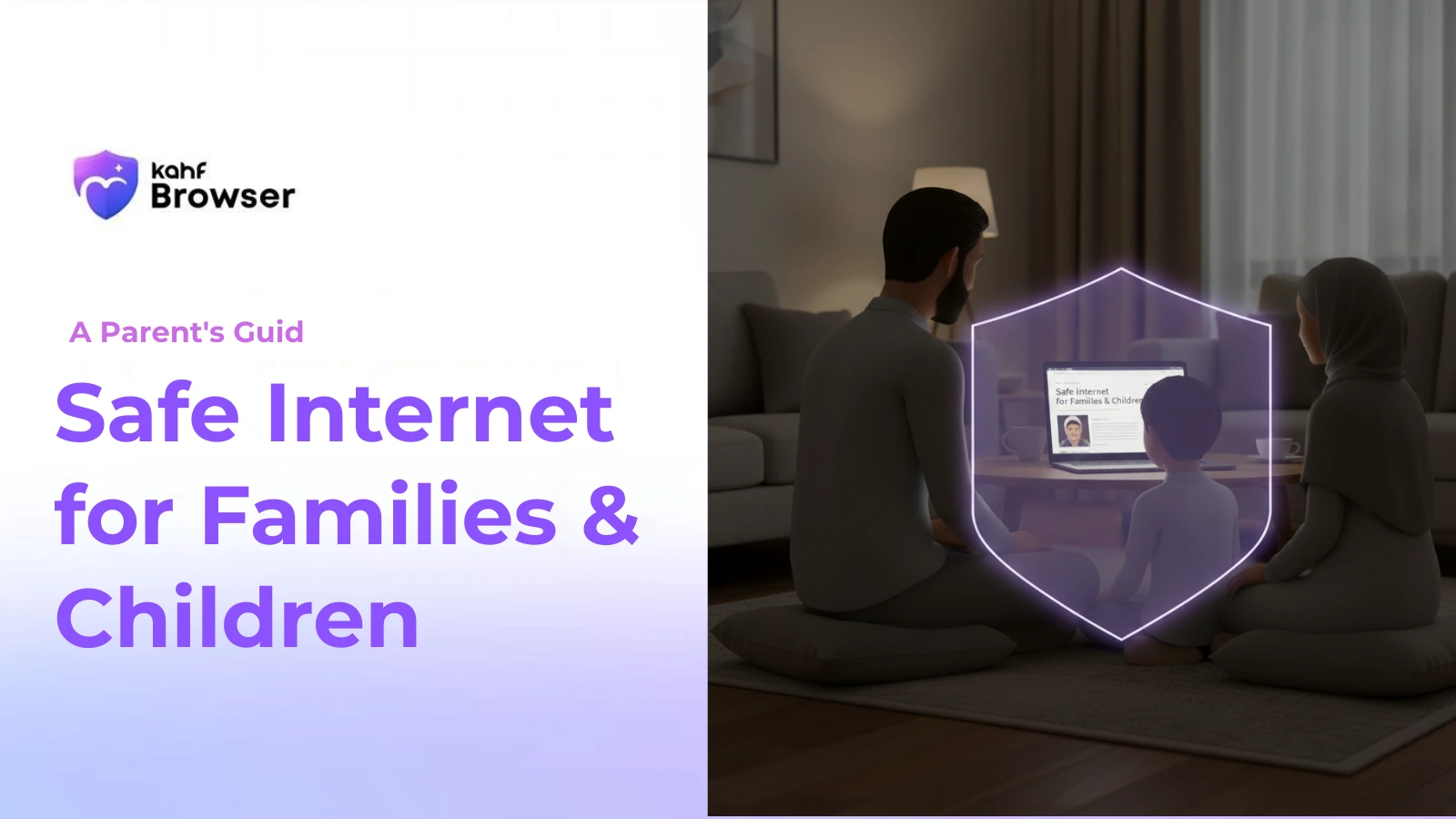
Children face unique vulnerabilities online. Their developing brains make them more susceptible to manipulation, they're more likely to encounter harmful content accidentally, and they may not understand the implications of sharing personal information. Additionally, they're often targets for predators and cyberbullies.
Understanding these vulnerabilities is the first step toward protection. Rather than simply restricting access, effective family internet safety combines technical protections with education and open communication. Our complete safe internet guide provides the broader context for family protection strategies.
The Three Pillars of Family Internet Safety
1. Technical Protections
Technical tools provide the first line of defense. These include content filtering to block harmful material, parental controls to set time limits and restrict access, monitoring tools to track activity, and privacy protections to prevent data collection. Kahf Browser's family safety features combine all these protections in one tool.
2. Clear Boundaries and Rules
Families need clear rules about internet use. These might include time limits, restricted websites or apps, rules about sharing personal information, and expectations about appropriate behavior. The most effective rules are created collaboratively—involve your children in setting boundaries so they understand the reasoning.
3. Open Communication
The most important protection is open communication. Children should feel comfortable telling you about uncomfortable online experiences without fear of punishment. Create an environment where they can ask questions, discuss what they encounter, and seek help when needed.
Age-Appropriate Internet Access
Ages 6–8: Introduction with Heavy Supervision
Young children should have limited, supervised internet access. Focus on educational content and age-appropriate websites. Use strong content filtering and monitor all activity. At this age, children should never browse unsupervised.
Ages 9–12: Expanding Access with Boundaries
As children mature, they can have more independence, but still need clear boundaries. Use content filtering to block inappropriate material, set time limits, restrict access to social media, and maintain regular check-ins about their online activities. Begin teaching them about privacy and online safety.
Ages 13–17: Increasing Independence with Ongoing Oversight
Teenagers need increasing independence, but still benefit from parental oversight. Adjust content filtering to be less restrictive while still protecting from the most harmful material. Focus on education about online risks, maintain open communication, and respect their growing privacy needs while still monitoring for concerning behavior.
Protecting Against Specific Threats
Harmful Content
Intelligent content filtering is your primary defense against harmful material. Kahf Browser uses AI-powered SafeGaze technology to identify and filter inappropriate content while allowing access to legitimate information. Combine this with open communication—if your child encounters something uncomfortable, they should feel safe telling you. Understanding the full range of internet risks and harmful exposure helps you prepare for these situations.
Cyberbullying
Cyberbullying can have serious psychological impacts on children. Teach your children to report bullying, block bullies, and never respond to provocations. Monitor their social media activity for signs of bullying, and maintain open communication so they feel comfortable telling you if they're being bullied or bullying others.
Online Predators
Teach children never to share personal information with strangers online, never to meet online contacts in person without parental permission, and to report suspicious behavior. Monitor their social media connections and be aware of who they're communicating with.
Addiction and Excessive Use
Internet addiction can interfere with sleep, school, and social development. Set reasonable time limits, establish device-free times (especially before bed), encourage offline activities, and model healthy internet use yourself. Use parental controls to enforce time limits automatically.
Teaching Digital Literacy
Beyond protection, children need to develop digital literacy skills. Teach them to:
- Evaluate online information critically and verify sources
- Understand that not everything online is true or safe
- Recognize manipulative design and advertising
- Protect their personal information and privacy
- Understand the permanence of digital footprints
- Think about consequences before posting or sharing
- Recognize and report inappropriate behavior
Setting Up Family Controls
Effective family controls should be:
- Age-appropriate, adjusting as children mature
- Transparent, so children understand the rules
- Consistent across all devices
- Regularly reviewed and updated
- Balanced between protection and trust
Kahf Browser's family features allow you to set different safety levels for different family members, monitor activity, set time limits, and adjust controls as your children grow.
Having Conversations About Internet Safety
Regular conversations about internet safety are more effective than one-time lectures. Make it an ongoing dialogue:
- Ask about their online activities and friends
- Discuss what they encounter online
- Explain why certain content is inappropriate
- Teach them to recognize and report concerning behavior
- Make it clear they won't be punished for telling you about problems
- Share your own online experiences and lessons learned
Modeling Healthy Internet Use
Children learn by example. Your own internet habits significantly influence theirs. Model healthy practices by limiting your own screen time, avoiding devices during family time, thinking critically about online information, and demonstrating respectful online behavior. If you expect your children to follow internet safety rules, follow them yourself.
What to Do If Problems Occur
Despite your best efforts, problems may occur. If your child encounters harmful content, experiences cyberbullying, or shows signs of internet addiction:
- Stay calm and don't blame your child
- Listen without judgment
- Take appropriate action (report, block, seek professional help if needed)
- Adjust your safety settings to prevent future incidents
- Seek professional help if problems persist
Creating a safe internet for your family is an ongoing process that requires vigilance, communication, and the right tools. For families guided by faith, our article on faith, values, and safe internet offers additional perspective on values-aligned family protection.
Related Reading
What Is a Safe Internet? Definition & Guide
A safe internet is more than just technical security. It's a digital environment where users can browse with confidence, protected from exploitation...
Internet Risks & Harmful Exposure: What You Need to Know
The internet offers tremendous value, but also contains real risks. Understanding these threats is the first step toward protecting yourself...
Faith, Values & Safe Internet: An Islamic Perspective
For Muslims and people of faith, a safe internet means one aligned with personal values and spiritual principles. Learn how to use the internet intentionally...
Frequently Asked Questions
At what age should children start using the internet?
How can I monitor my child's internet use without invading their privacy?
What should I do if my child encounters harmful content?
How do I talk to my children about online safety?
Is it safe for children to use social media?
Protect Your Family Online
Download Kahf Browser and get comprehensive family safety features designed to protect your children while respecting their growing independence.
Download Free